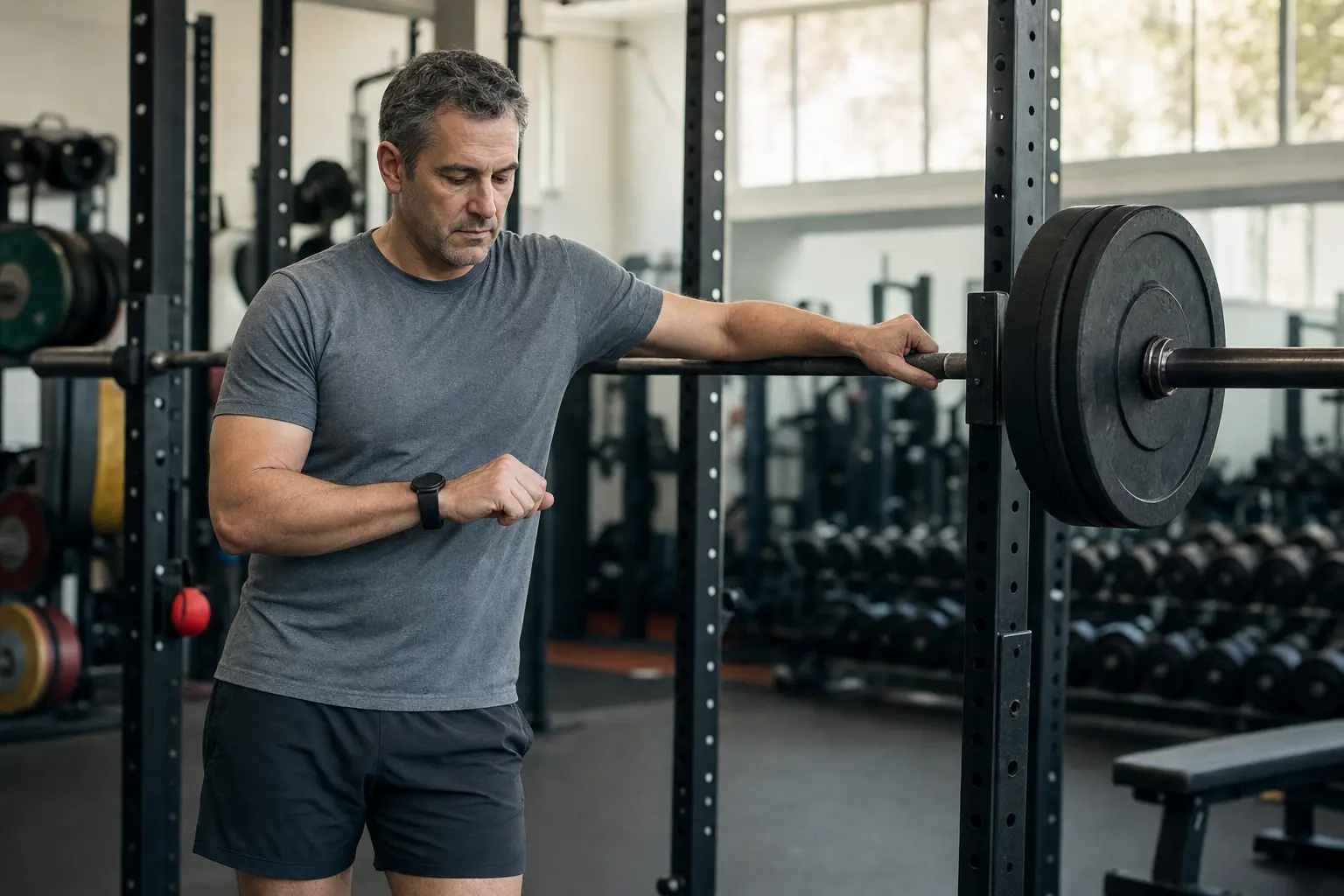
 AI-generated image
Guides · Strength training · Updated 2026-11-20
Does the Strong app work with Garmin?
Not that we could find. Strong's own pages list iPhone, Android and Apple Watch, and its help center has nothing on Garmin (read November 14, 2026). If you want to log sets on a Garmin watch, TrainRec, which we make, has a free Garmin app that shows each set on your wrist and saves it to your log as you go. Your Strong history can come with you for free.
We make TrainRec, so this page isn’t neutral. Everything it says about Strong comes from Strong’s own website, help center, App Store listing and Google Play listing, read on November 14, 2026. If Strong works for you, keep using it.
What do Strong’s own pages say about Garmin?
Nothing, as of November 14, 2026. Here is what we read:
- Strong’s website lists where you can use it: iPhone, Android and Apple Watch.
- Its App Store listing describes a “Fully-featured Apple Watch app to log workouts with or without your iPhone”.
- Its Google Play listing names no watch app.
- Its help center has five articles under Apple Health and other integrations. None of them mentions Garmin, and a search of the help center for “garmin” returns no articles.
So a Garmin app or a Garmin sync is not on the pages we read. That isn’t the same as a flat no. Apps change, so check Strong’s help center if you’re reading this later.
Can a Garmin still help while you log in Strong?
Yes, in a small way. You can record a strength activity on the watch to see your heart rate, and log your sets in Strong on your phone. Strong’s help center says it syncs with Apple Health, so workouts you log in Strong can be seen there. It doesn’t describe bringing a Garmin workout into Strong, so on the pages we read the two records stay separate.
For the watch side, see how to track strength training on a Garmin.
How do Strong and TrainRec compare on a Garmin?
| Strong | TrainRec | |
|---|---|---|
| Garmin watch app | Not on the pages we read | Yes, free in the Connect IQ store |
| Apple Watch app | Yes | Yes |
| Phones | iPhone and Android | iPhone and Android |
| Free workout log | Yes, with unlimited workouts and up to 3 custom routines | Yes, with no limits on routines or history |
| Paid plan (US) | Strong PRO, $4.99 a month or $29.99 a year | Connect, $4.99 a month, or Coach, $9.99 a month |
| Works with ChatGPT or Claude | Not on the pages we read | Yes, with the Connect plan |
| Moving your history | Exports your workouts as a CSV file | Imports that Strong file for free |
Strong does two things here that are worth saying plainly. Its Apple Watch app works with or without your iPhone, and its free version saves as many workouts as you log.
What does TrainRec look like on a Garmin?
Today’s workout shows on your wrist one step at a time. A strength day shows the exercise and the set, with its reps and weight, then a rest timer. Change the numbers with the watch buttons if you did more or less. Each set lands in your TrainRec log as you finish it, and the workout saves to Garmin Connect too. It doesn’t count reps for you yet.
You can plan the week with your own AI assistant or with Coach, the AI built into the app. You can also start a workout from the watch with no plan at all.
Get it free in the Connect IQ store. Your phone needs the Garmin Connect app and the TrainRec app.
The setup steps and the list of watches are in how to use TrainRec on a Garmin.
Can I bring my Strong history to TrainRec?
Yes, for free. Every workout, exercise, set, weight and rep comes across.
- In Strong, open the Profile tab, then the gear icon.
- Tap Export Workouts and save the CSV file. Older versions say Export Strong Data on iPhone, or Export Data on Android.
- In TrainRec, open Profile, then Import workouts, and pick the file.
- Look over your history. The whole import can be undone if anything looks off.
You can also attach the file in your assistant’s chat and say “Import this into TrainRec”. The full steps are on the Strong import page. Templates aren’t in Strong’s export, so ask your assistant to rebuild them from your history.
Where do this page’s facts come from?
This page is by Manifest Post, Inc., which makes TrainRec. We wrote it to answer the question honestly and to show what our own app does on a Garmin.
- Every fact about Strong comes from Strong’s own pages, listed under Sources below, read on November 14, 2026.
- Where those pages say nothing, this page says “Not on the pages we read” instead of guessing.
- Prices are US prices from Strong’s App Store listing on that date. They can change.
- Facts about TrainRec describe the app that is in the App Store, on Google Play and in the Connect IQ store today.
Get TrainRec
Out now on iPhone and Android. The workout log is free, with no limits and no ads.

Also asked about Strong: Is the Strong app free? For a wider look, read the best workout apps and how to choose a workout app.
Also asked
Does Strong work on Apple Watch?
Yes. Strong's App Store listing describes a full Apple Watch app that logs workouts with or without your iPhone. Its help center says the watch app needs watchOS 10 or later, and that not every Strong feature is on the watch.
Does Strong have a Wear OS app?
Not on the pages we read. Strong's Google Play listing and its website name no Wear OS app. TrainRec has a Wear OS app.
Is the TrainRec Garmin app free?
Yes. It's free in the Connect IQ store, and the TrainRec workout log is free with no limits and no ads. You pay only if you want an AI to plan with you. Connect is $4.99 a month for your own assistant, and Coach, the AI built into the app, is $9.99 a month after 25 free messages. Every paid plan starts with a free trial.
Which Garmin watches does TrainRec work on?
fēnix 7 and 8 series, fēnix E, epix 2 and epix Pro, Forerunner 165, 170, 255, 265, 570, 955, 965 and 970, Venu 2, 3 and 4 series, Venu X1, vívoactive 5 and 6, and Instinct 3 AMOLED and Instinct Crossover AMOLED.
Do I need my phone with me?
Your phone needs the Garmin Connect app and the TrainRec app. Sets you do without a connection stay on your watch and sync when it reconnects. Today's plan needs a connection the first time it loads each day.
Can I keep using Strong and still try TrainRec?
Yes. Exporting your history leaves everything in Strong as it was, and the whole import can be undone in TrainRec.
App names belong to their owners. TrainRec isn't affiliated with or endorsed by them. Prices and features were checked on the date at the top of this page, and can change.
Sources
- Strong: home page
- Strong Help Center: Apple Health and other integrations
- Strong Help Center: search results for garmin
- Strong Help Center: About Strong for Apple Watch
- Strong Help Center: How do I sync with Apple Health?
- Strong Help Center: Can I export my workout data?
- Strong on the App Store (US)
- Strong on Google Play